How I moved a 376-URL WordPress site without losing a page
Case study: TESLA Energy Group. Seven language folders, 376 old URLs, 53 redirect rules, and a mobile LCP that went from about 8 s to about 4 s.

Erik Hudec
Founder, ehdcDigital
· 5 min read
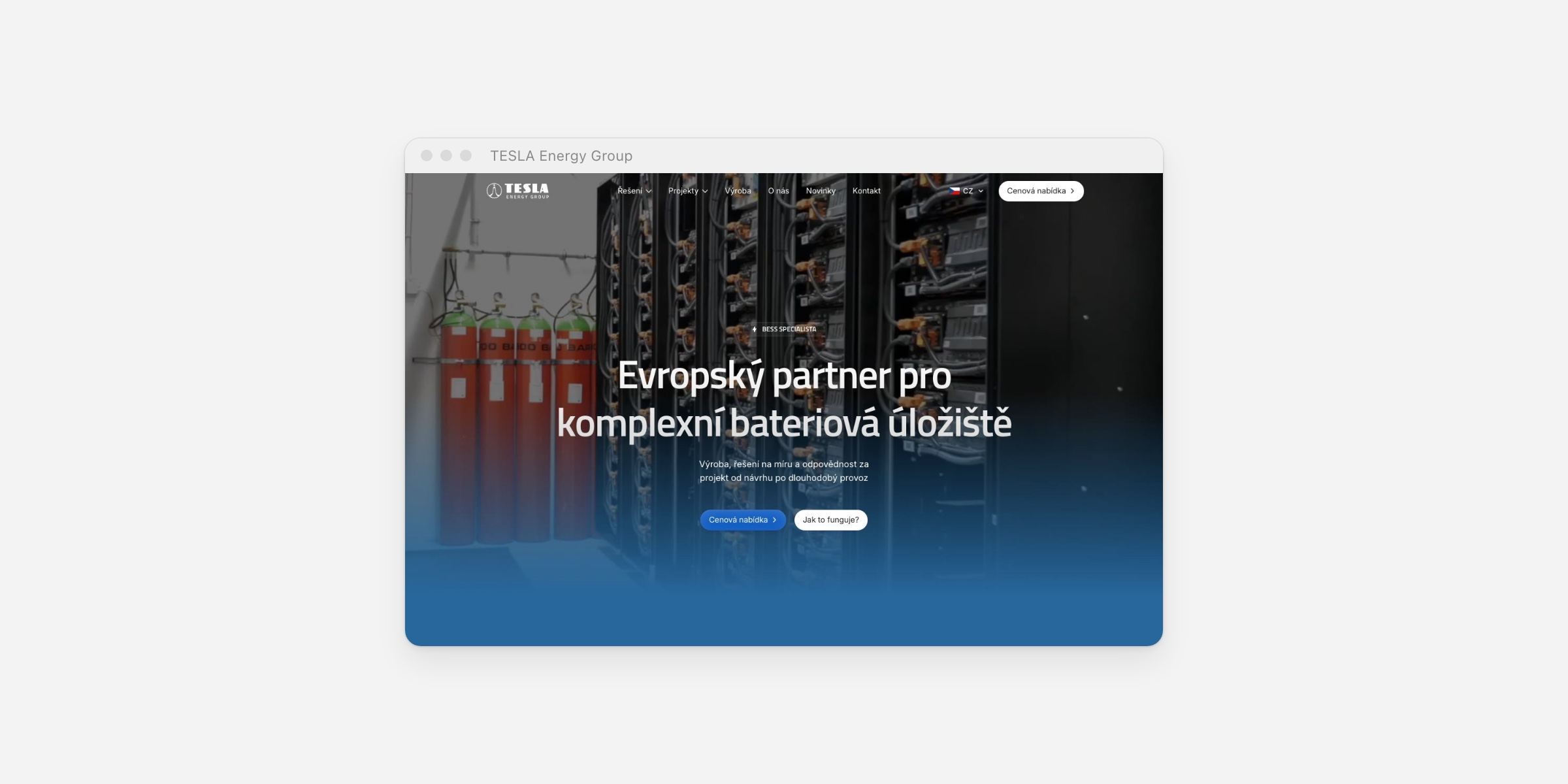
Most website relaunches don't fail on design. They fail a month later, when the old pages that brought buyers in from Google start returning 404s. Here's how I avoided that for TESLA Energy Group, a battery storage maker that sells to factories and grid operators.
The starting point
TESLA Energy Group designs and builds battery storage: containers, cabinets, indoor systems and turnkey EPCM projects. Their buyers are engineers and procurement teams. They compare capacities, certifications and references long before they pick up the phone.
The old WordPress site had seven language folders, hundreds of pages and no clear path from a product to a quote. It read like a brochure. It also had years of search history that I couldn't afford to throw away.
- 376
- old URLs redirected at launch
- 53
- redirect rules
- 4
- languages: CZ, EN, SK, PL
- ~2×
- faster mobile LCP
Step 1: List every URL before designing anything
Before a single new page existed, I listed every URL on the old site: all 376 of them, across seven language folders. Each one got a destination. Usually that was a new page with the same intent, sometimes the closest parent page, and only rarely the homepage.
Patterns matter here. Most language folders followed the same structure, so 376 URLs collapsed into 53 redirect rules instead of 376 handwritten ones. Fewer rules mean fewer typos and an easier check after launch.
Step 2: Build pages around what buyers compare
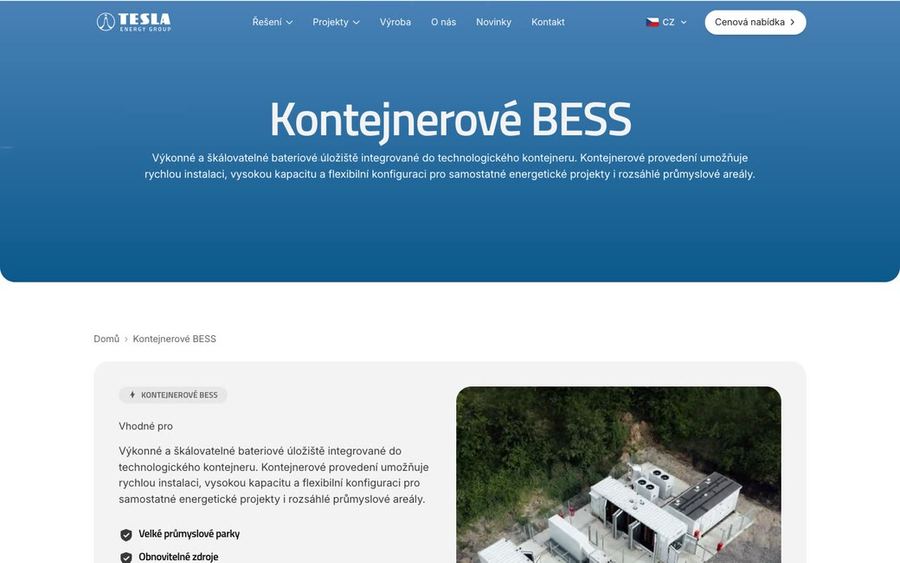
The new structure follows how an industrial buyer thinks, not how the company is organised. Each storage type has its own solution page on a shared template: what it is, the specs, where it fits, then real projects with capacities and locations, and a price request at the end.
Because every solution page uses the same template, adding a product line later means filling in a page, not commissioning a new design.
Step 3: Fix speed where it actually hurt
On mobile, the old hero waited for scripts before it showed anything. I made the hero visible straight from the HTML and lazy-loaded the video and media further down the page. Mobile LCP dropped from about 8 seconds to about 4.
Step 4: Launch with markup, not just pages
Search engines and AI assistants read structure. The launch shipped with JSON-LD for the company, its projects and the blog, FAQ markup, and clean titles and descriptions on every page. It also fixed navigation roles, labels and heading levels across the site.
The site now runs a full Czech version plus English, Slovak and Polish, with a language switcher in the navigation and the footer.
What I'd tell any B2B company planning a relaunch
List every old URL first
If you don't know what you have, you can't redirect it. The URL list comes before the moodboard.
Redirect to intent, not the homepage
A buyer who bookmarked a product page should land on that product, not on your hero.
Use patterns
Rules that cover whole folders are easier to test than hundreds of one-off redirects.
Check on launch day
Run the old URL list against the new site the day you switch, and fix anything that doesn't land.
The full project, with screenshots and a link to the live site, is in the TESLA Energy Group case study.